























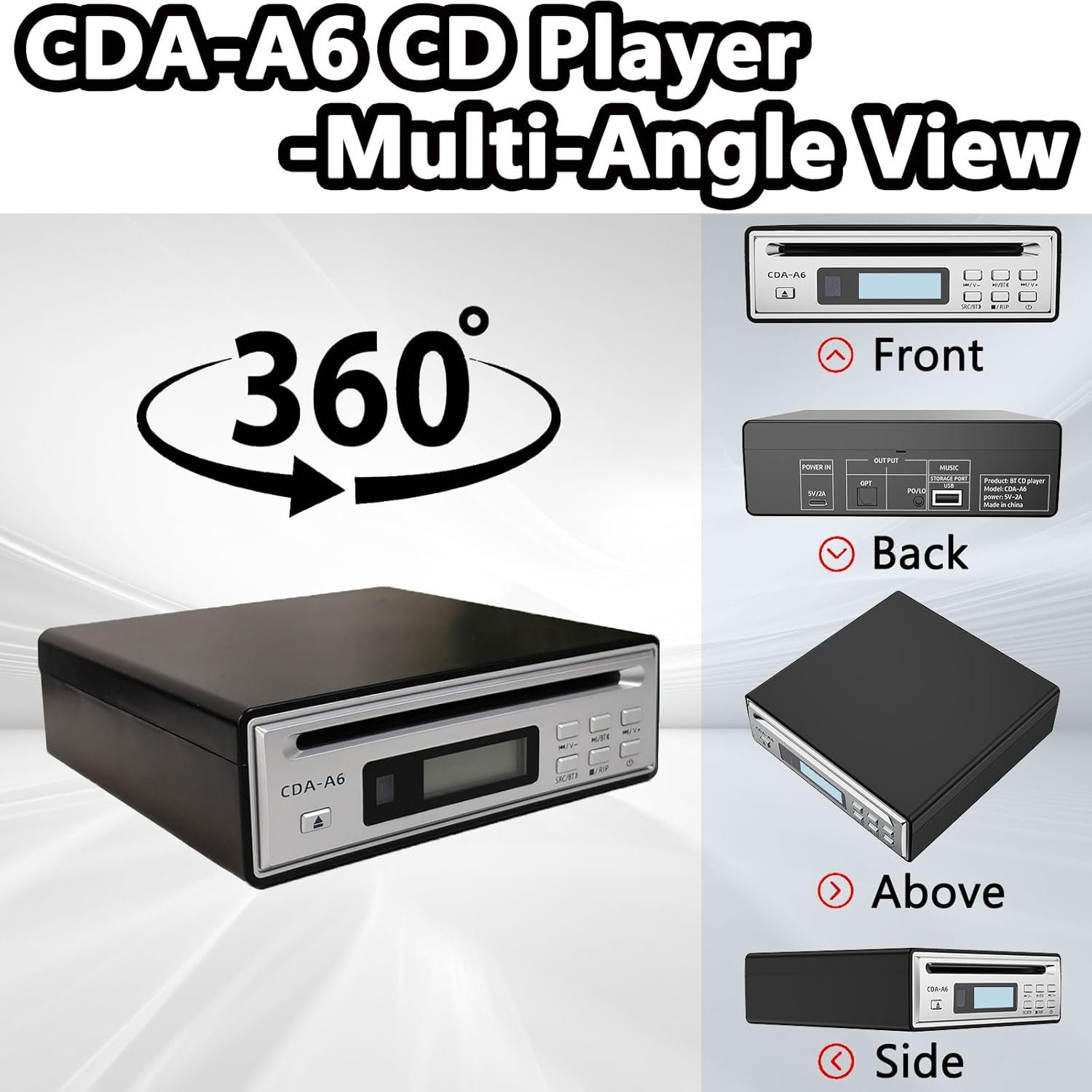

Instructions for using BLUETOOTH transmission function
1. Ensure that the CD player has successfully read the CD disc (playback status).
2. Place the Bluetooth earphones/speakers in “pairing mode” (indicator light flashing).
Note: If the device is already connected to another player, please disconnect it first and re-enter the matching mode. It is recommended to understand the method of entering the Bluetooth matching mode for this Bluetooth earphone device before use to avoid unsuccessful matching.
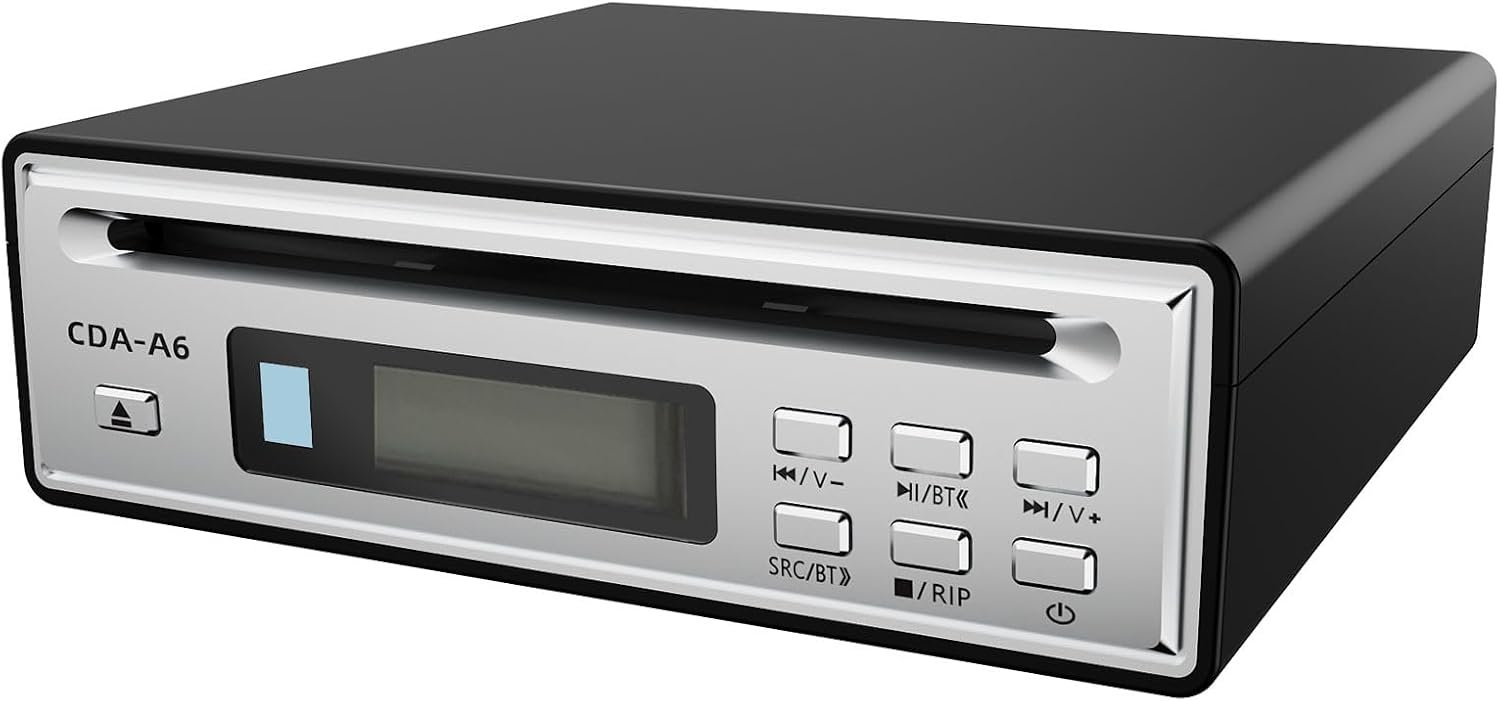
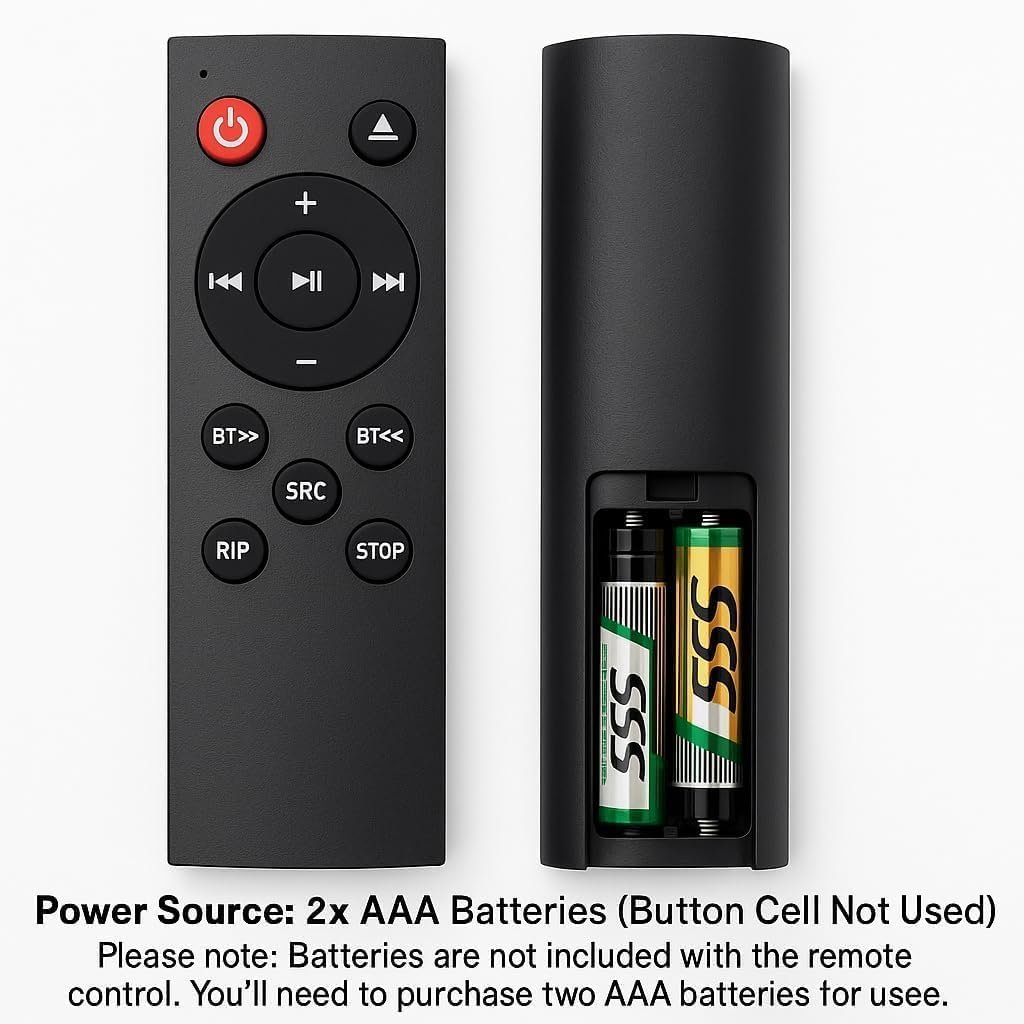
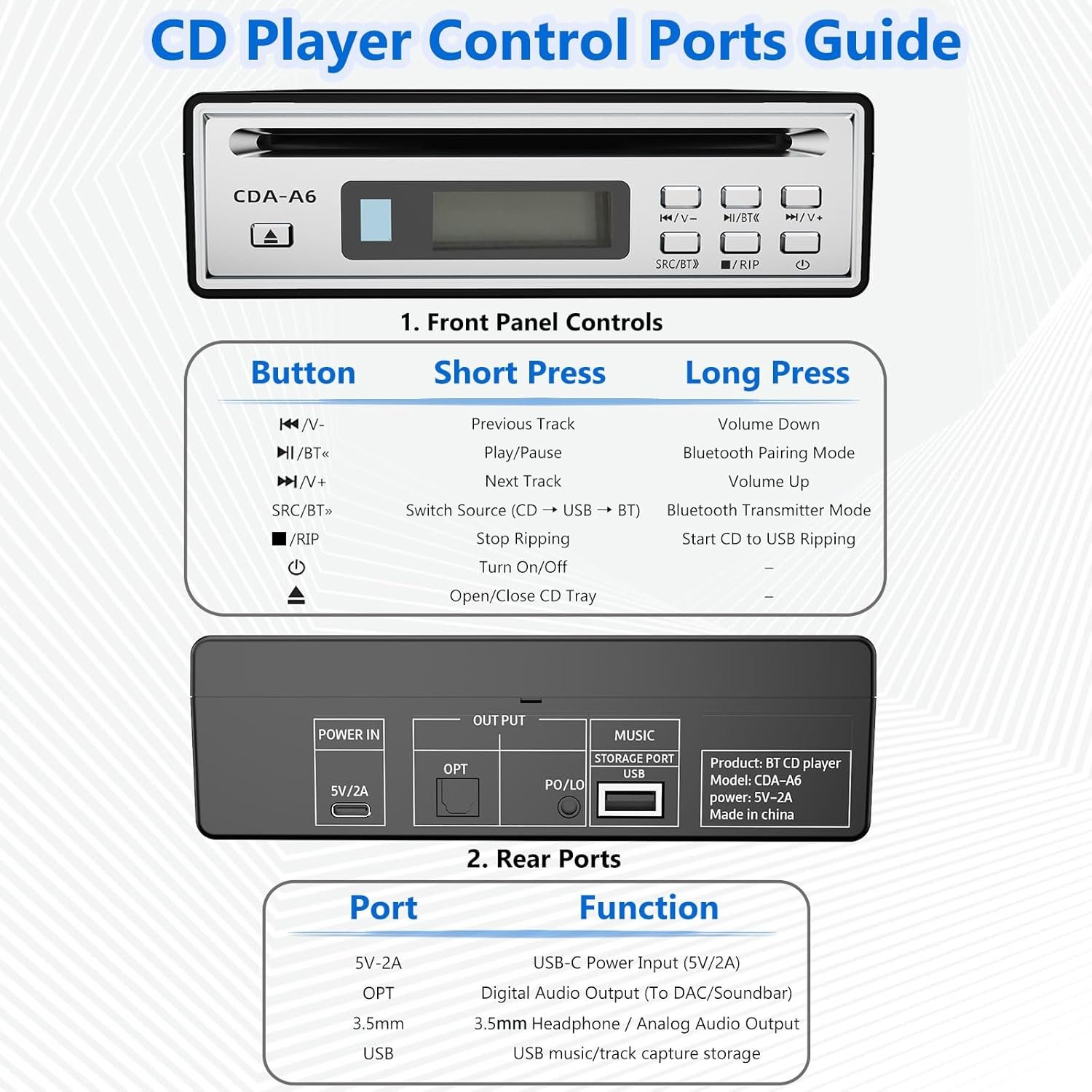
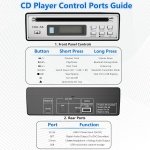
3. Enable Bluetooth transmission. -Body operation: Press and hold the SRC button on the panel for 2 seconds, then release it. The “BT” icon will light up at the screen time display. -Remote control operation: Touch the ‘SRC’ button on the remote control to directly activate the function.
4. Paired connection. -After activating the Bluetooth transmission function, the device will automatically search and pair (limited to 30 seconds). -If the timeout does not connect, you need to press the SRC key again to
restart the search.
-After successful pairing, the “BT” icon remains lit and audio will be output through Bluetooth devices.
5. To disconnect the current Bluetooth, short press the SRC key to switch to skip BT mode and the Bluetooth will automatically disconnect. To match again, long press the SRC key.
How to pair Bluetooth earphones, Bluetooth speakers, and other Bluetooth devices?
1. Switch Bluetooth earphones/speakers and other devices to Bluetooth waiting for matching mode.
2. Press and hold the SRC button on the host for 2 seconds or press the Bluetooth transfer button on the remote control.
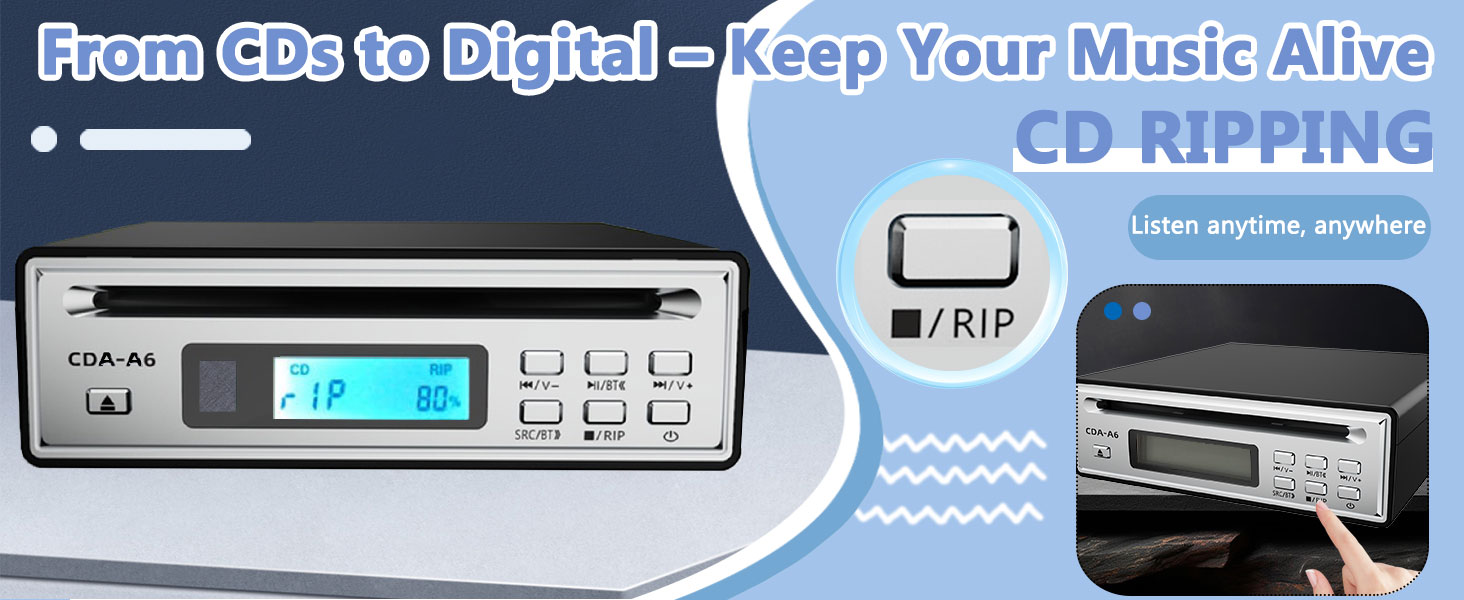
How to enter RIP copy disc mode?
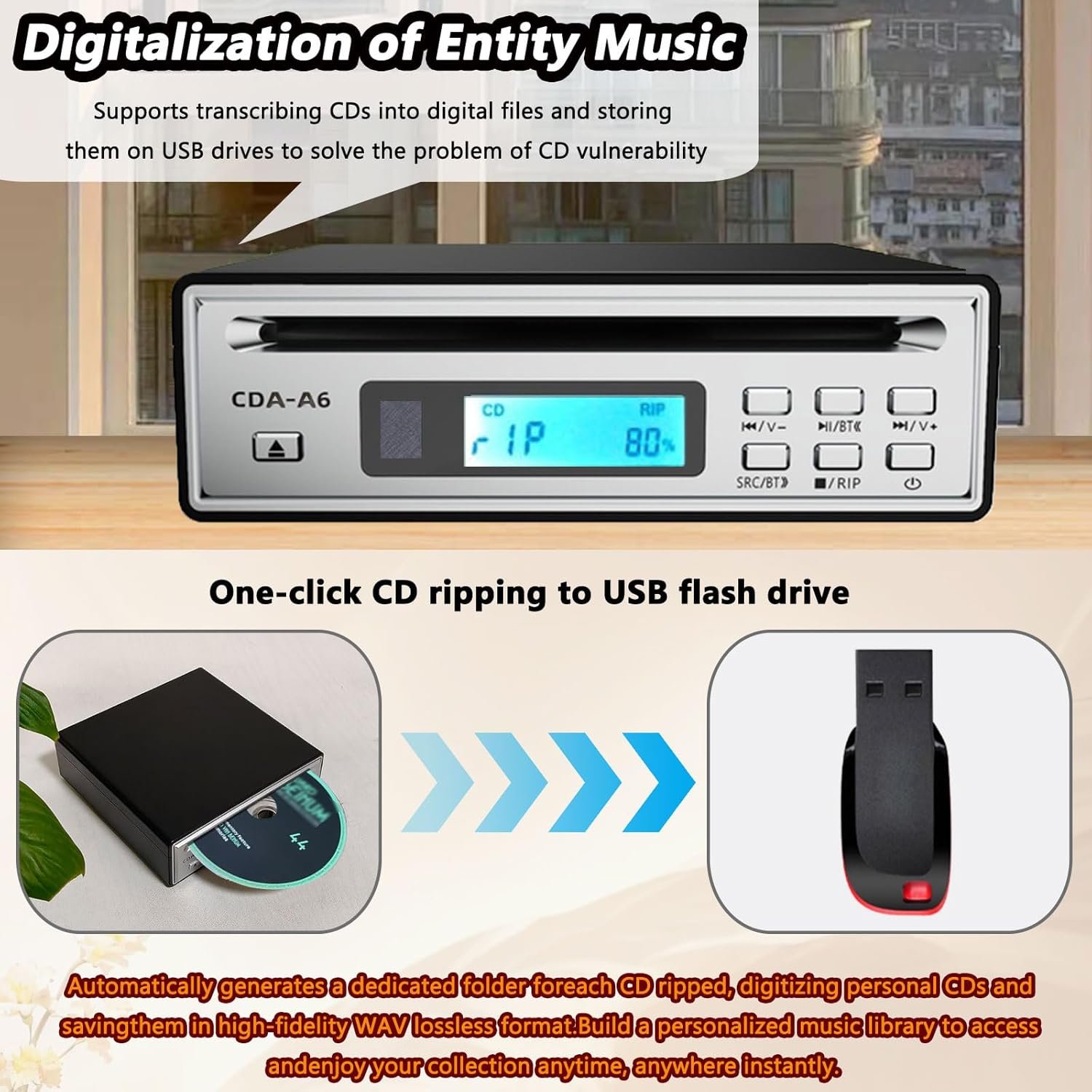
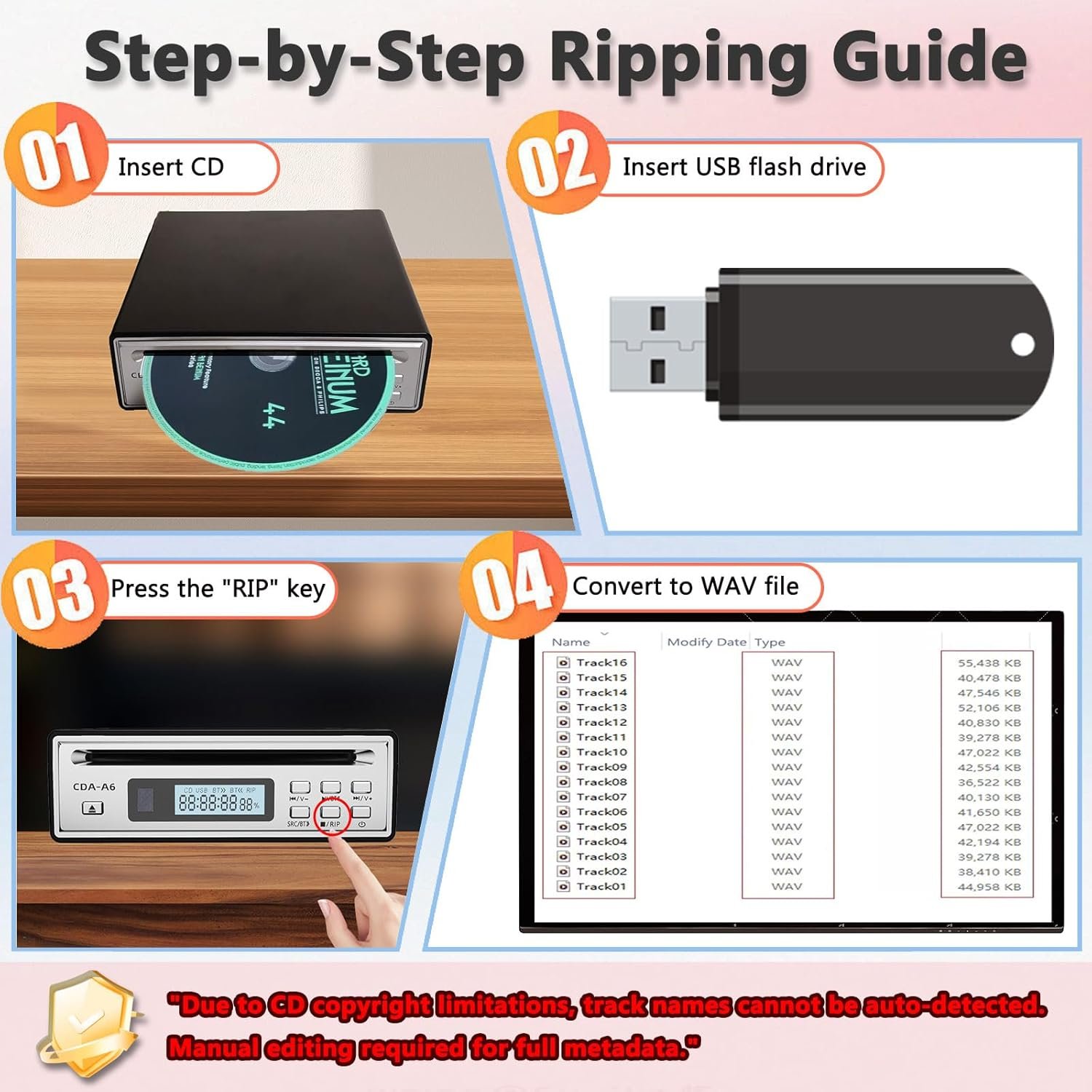
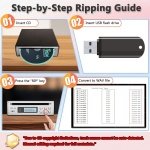
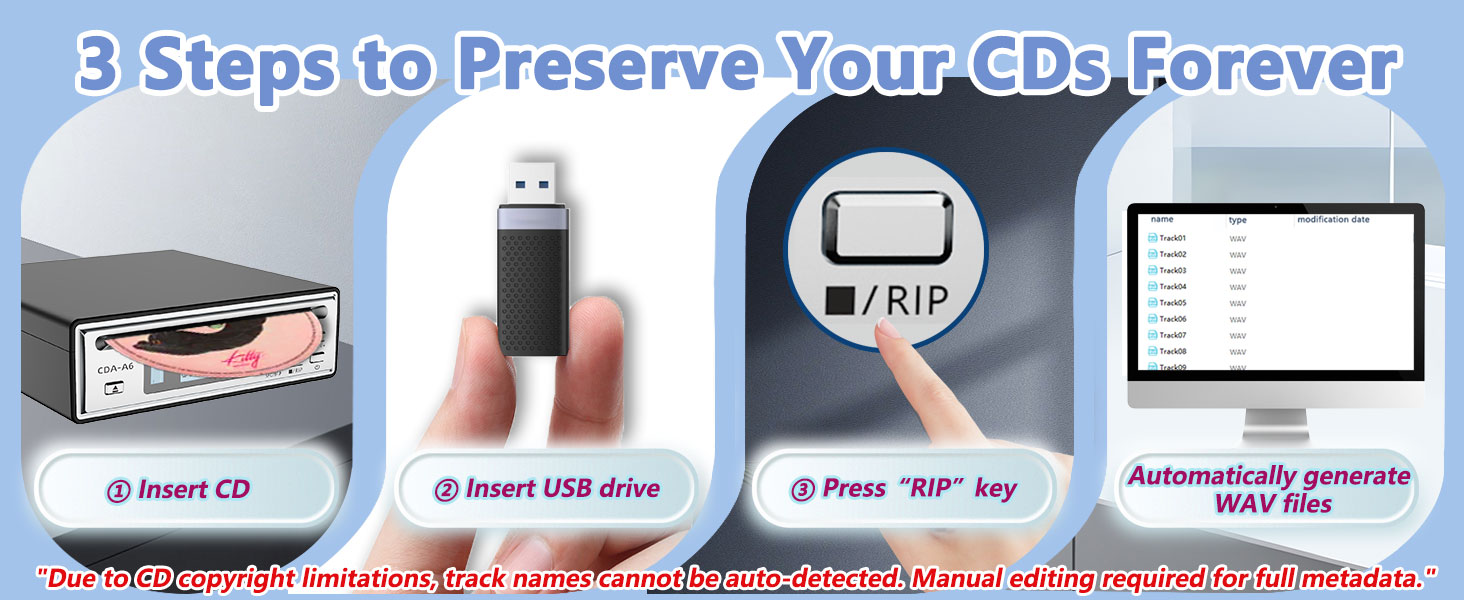
Long press the RIP button on the host for 2 seconds or press the RIP button on the remote control to activate the RIP function.
Suddenly unable to work while playing?
1. Possible reasons: Insufficient power supply from the power adapter/severe disc wear.
2. Solution: Power off and restart, check the power supply or replace the CD.
RIP function cannot run?
1. Possible reason: USB storage is full/USB drive is not inserted correctly.
2. Solution: Check the USB drive space and connection status, power off and restart, and retry.
Bluetooth cannot match the device?
1. Possible reason: Bluetooth speaker is occupied by other devices or multiple Bluetooth devices are simultaneously using interference.
2. Solution: Ensure that the target device is in a pairable state, turn off other Bluetooth device, and try again.
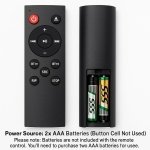
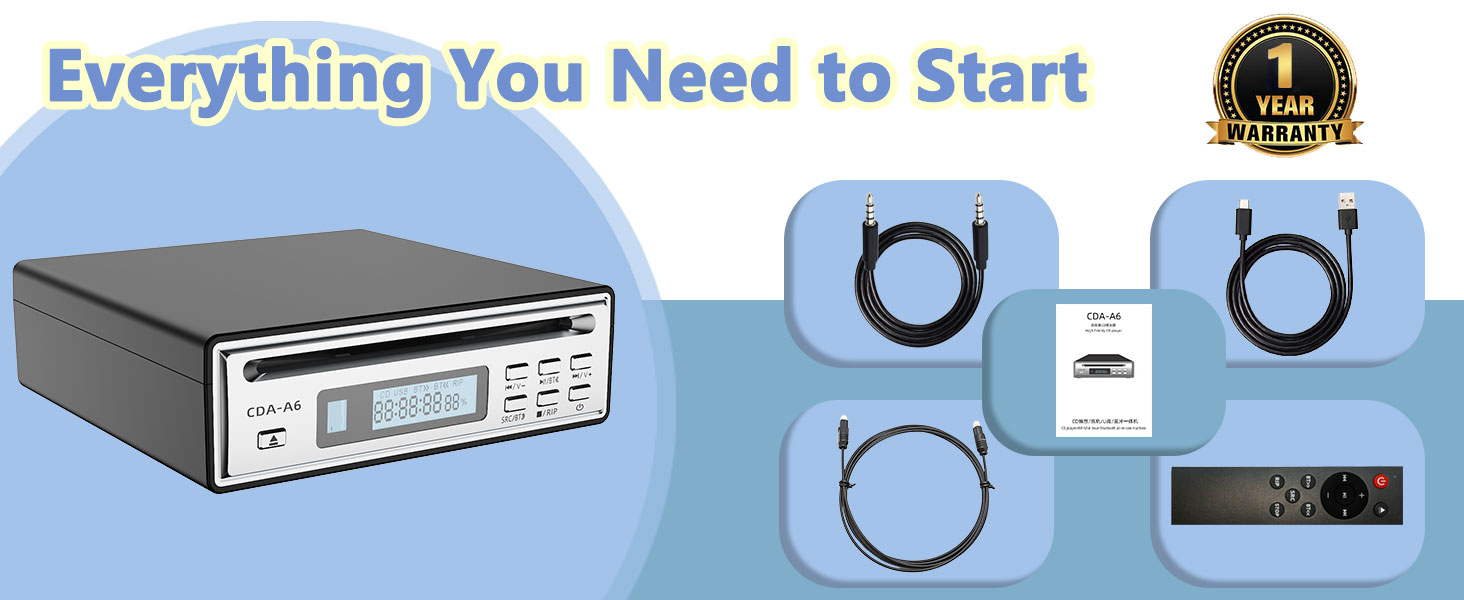
SAFETY COMPLIANT: Remote operates on 2 AAA batteries (button batteries not used) Please note: Batteries are not included with the remote control. You’ll need to purchase two AAA batteries separately for use.
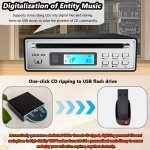
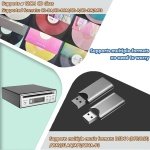
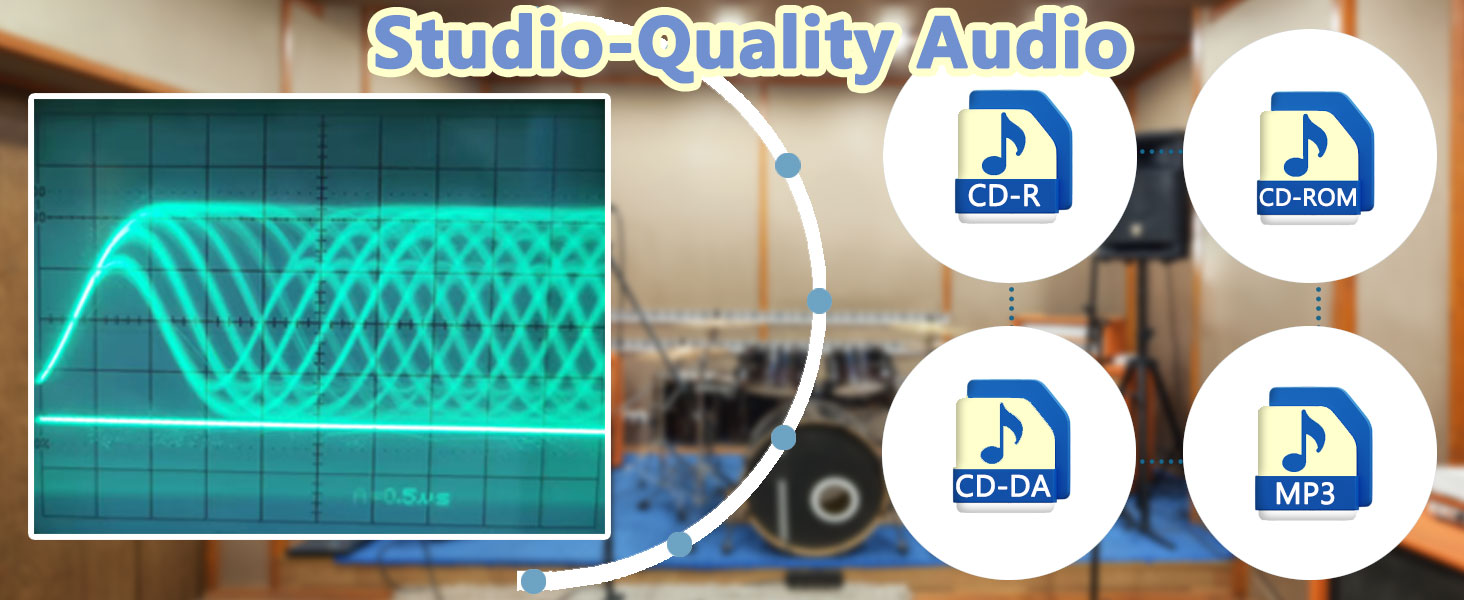
One-Click CD to Digital – Keep Your Music in Perfect Quality No quality loss! Rip CDs to uncompressed WAV files with just one button—preserve original CD sound forever. Escape compressed streaming – Enjoy studio-grade audio instead of low-quality online music. Take your music anywhere – Save files to your phone, cloud, or car and listen without losing detail.
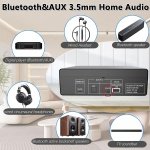
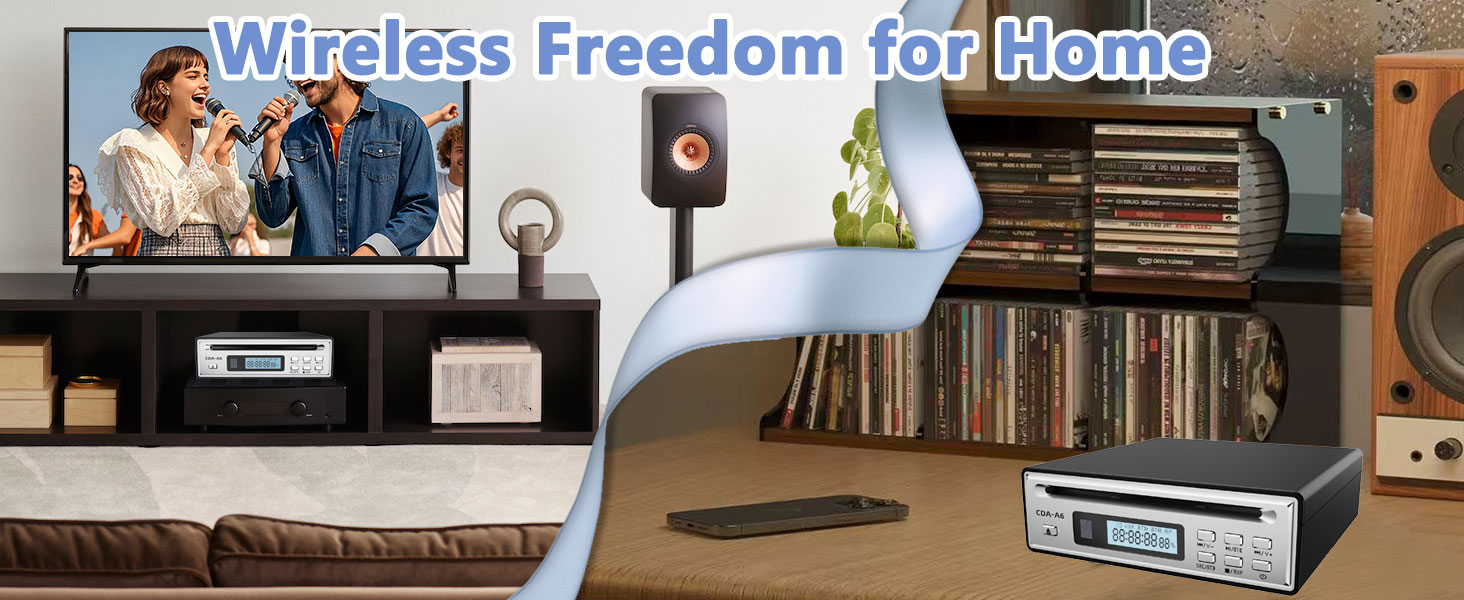
Wireless Bluetooth 5.3 – No Wires, Just Great Sound Works with any Bluetooth device – Connect to headphones, speakers, or car stereo in seconds. Stronger signal, zero drops – 50% more stable than regular Bluetooth (even in busy areas). Super easy to use – Just press a button to pair—no tech skills needed!
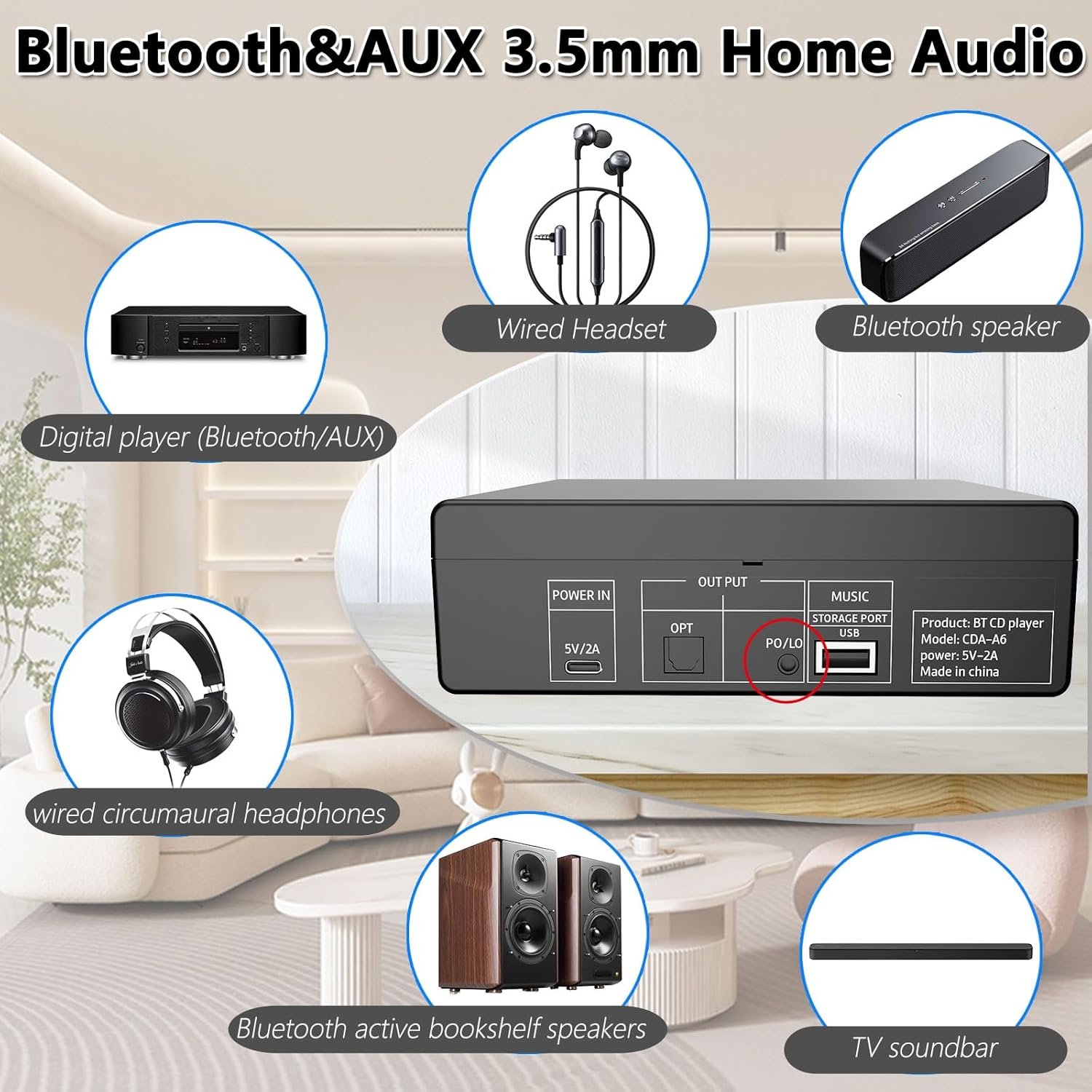
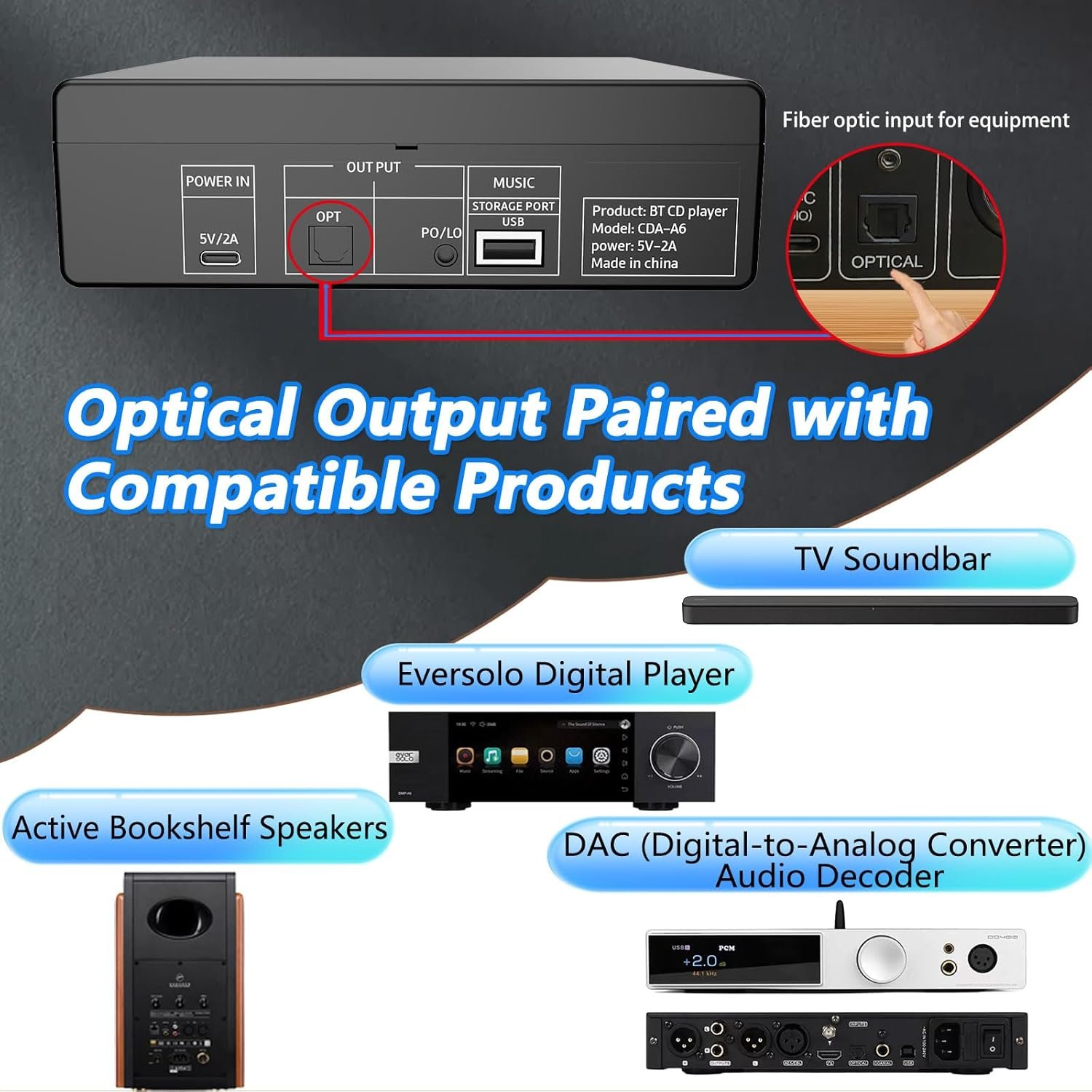
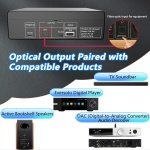
Hi-Fi Sound Powerful headphone output – Drives even high-end headphones with rich, clear sound. Optical digital output – Hook up to DACs, home theaters, or car amps for pro-level audio.
No Software Hassle – Rip CDs Instantly Plug & play – No confusing apps! Just insert a CD, press Rip, and get your files. The obtained music can be edited with song names through mobile phones or computers. If the song name cannot be known, it can be automatically matched with ID3 data through a local import network player app.
Your CDs, Ready for Modern Life Build a personal music library – Store thousands of songs without losing quality. Perfect for CD lovers – Experience the beauty of music with raw music audio.
No account yet?
Create an Account